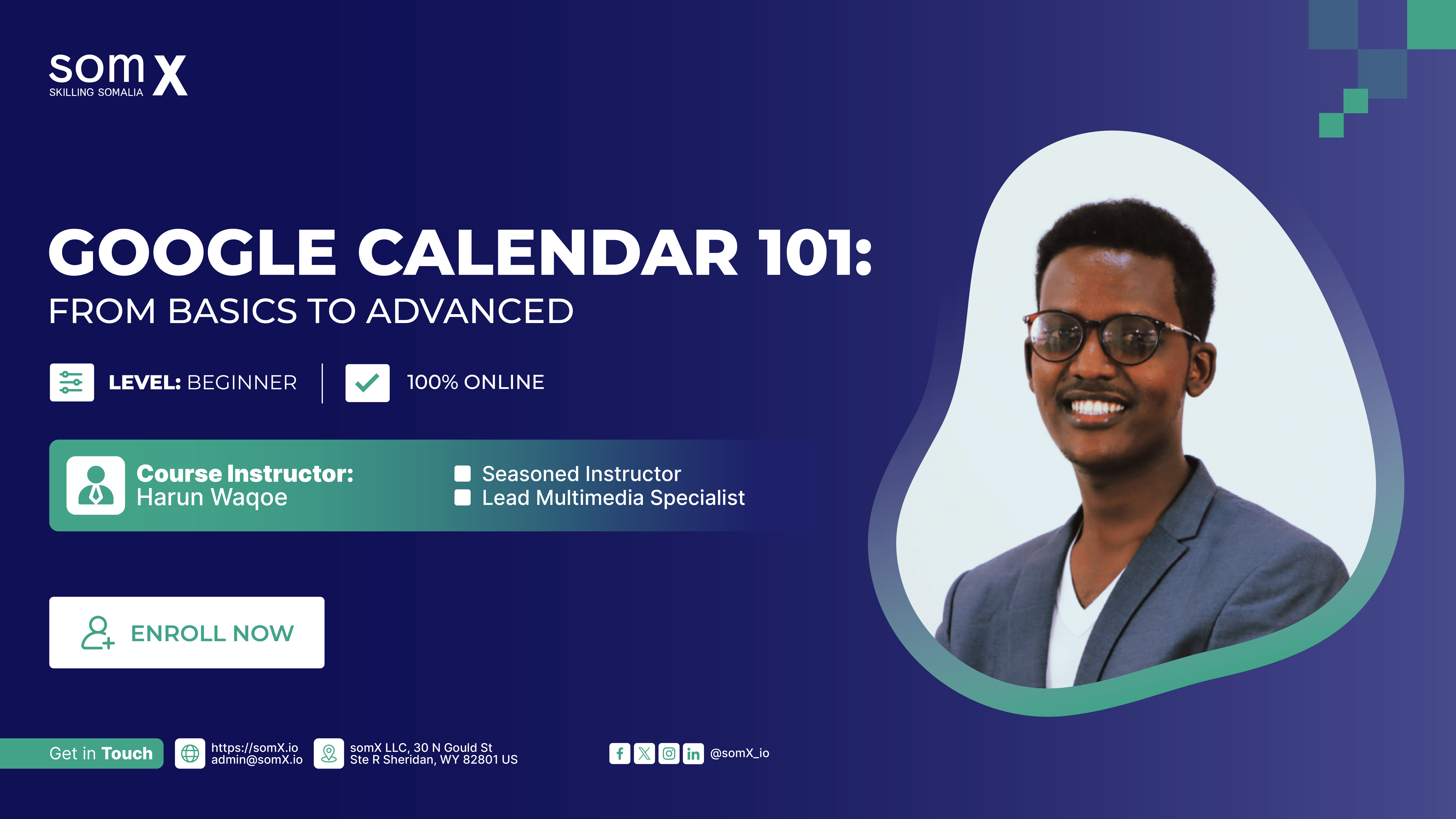
Google Calendar 101: From Basics to Advanced
somX
Enrollment is Closed
About This Course
Maximize your efficiency and enhance your organizational capabilities with Google Calendar 101: From Basics to Advanced. This expertly crafted course offers an in-depth exploration of Google Calendar, guiding you from the foundational aspects of navigating the user interface to mastering advanced features such as appointment scheduling, event creation, and real-time collaboration. Learn to streamline your workflow with multiple calendar management, customized settings, and mobile integration, ensuring you're always in control of your schedule. Tailored for both professionals and individuals, this course empowers you to stay organized, boost productivity, and optimize your time management strategies.
What You’ll Learn
- Comprehensive Overview of Google Calendar: Gain a deep understanding of Google Calendar’s functionality, including its strategic benefits for personal and professional time management.
- Seamless Navigation and UI Mastery: Efficiently access and navigate the Google Calendar interface, mastering multiple views (day, week, month) and customization options.
- Advanced Event Management: Learn the intricacies of creating, editing, and organizing events with precision, including the use of locations, descriptions, attachments, and managing event visibility.
- Sophisticated Multi-Calendar Management: Implement advanced techniques for handling multiple calendars, leveraging color-coding systems to streamline scheduling and improve visual clarity.
- Collaborative Calendar Sharing: Master the art of sharing calendars securely and collaborating in real-time with colleagues or teams, enhancing productivity and coordination.
- Availability Tracking and Guest Management: Skillfully check availability, add guests, and control permissions, ensuring seamless coordination for meetings and shared events.
- Expert Utilization of Advanced Features: Explore powerful tools like appointment slots, automated meeting scheduling, and custom calendar settings to optimize workflow and time efficiency.
- Mobile Optimization: Maximize the use of Google Calendar on mobile devices, ensuring consistent productivity on the go.
Requirements
- Basic Computer Skills: Familiarity with using a computer, such as navigating web browsers and using email.
- Google Account: A valid Google account to access and utilize Google Calendar features.
- Access to a device (desktop or mobile versions) with an internet connection.