
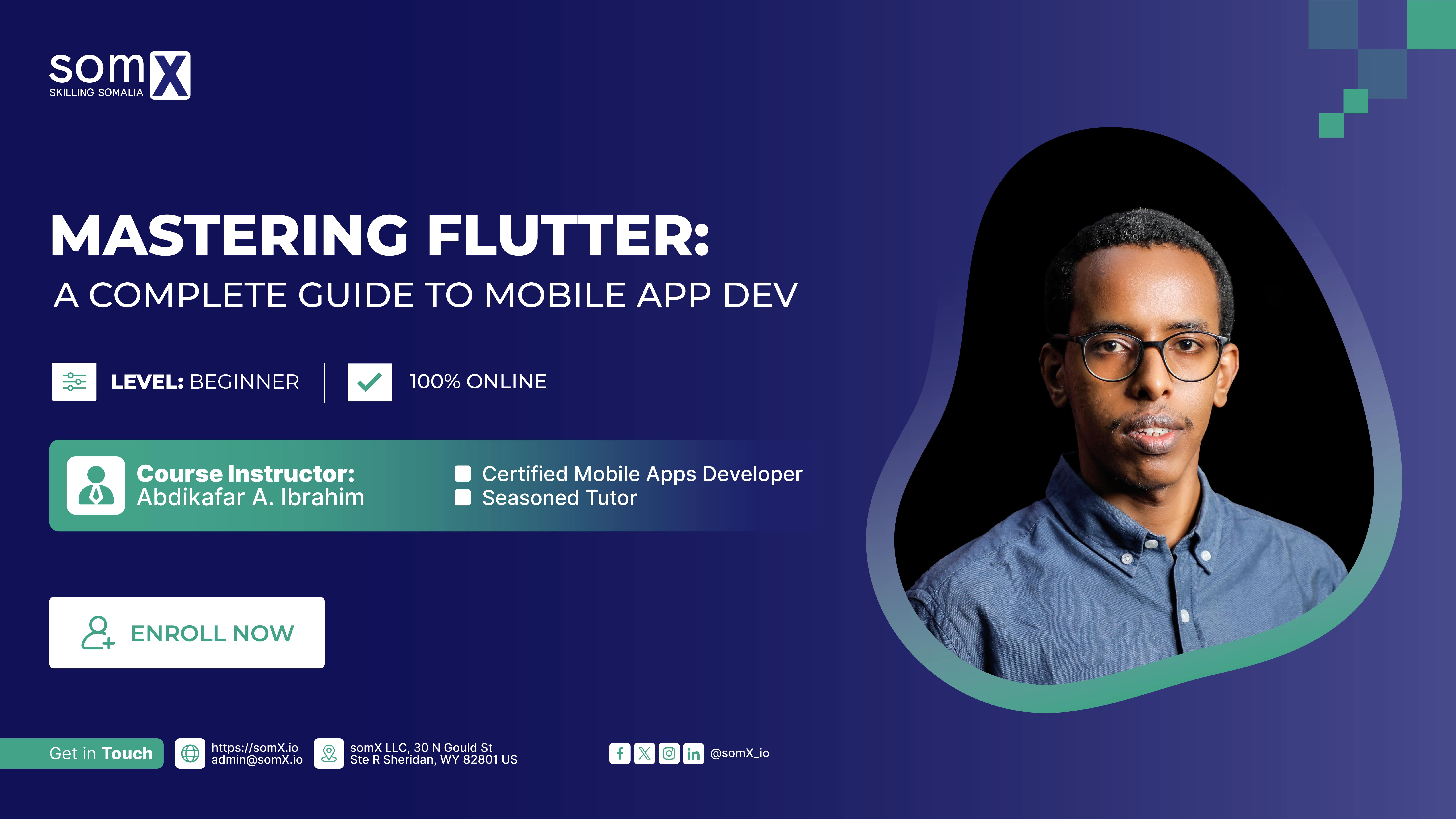

Mastering Flutter: A Complete Guide to Mobile Apps Development


somX

About This Course

"Mastering Flutter: A Complete Guide to Mobile App Development" on somX is a thorough and practical course designed for individuals seeking to excel in mobile app development using Flutter and Dart. This course comprehensively covers the essentials from introductory concepts to advanced techniques. You'll gain hands-on experience in setting up the development environment, understand Flutter's unique architecture, explore widget lifecycle, and engage in state management.
The course also includes form handling, integration with backend services, and advanced topics like animations, API integration, and local data storage. By the end, participants will have the skills to design, build, and deploy a complete mobile application, making it ideal for both beginners and experienced developers looking to enhance their app development expertise.

What you'll learn

In "Mastering Flutter: A Complete Guide to Mobile App Development," you'll learn:

  • Flutter and Dart fundamentals, including Flutter's architecture and Dart's basic concepts.
  • How to set up a development environment and create a simple Flutter app.
  • Understanding and utilizing Flutter widgets, both stateless and stateful, and basic layout principles.
  • Navigation techniques in Flutter and the basics of state management.
  • Form handling, user input management, user authentication, and backend integration.
  • Advanced Flutter topics like animations, advanced state management, API integration, and local data storage.
  • The process of planning, designing, and building a complete application, including advanced features and deployment to app stores.

Course Outline

Part 1: Introduction to Flutter and Dart

  • Overview of Flutter and its architecture
  • Setting up the development environment
  • Introduction to Dart programming language
  • Basic concepts of Dart (variables, data types, control structures)
  • Creating a simple Flutter application

Part 2: Flutter Basics and Layouts

  • Understanding Flutter widgets and their properties
  • Working with stateless and stateful widgets
  • Basic layout widgets (Row, Column, Container)
  • Implementing user interface designs
  • Understanding the widget lifecycle

Part 3: Navigation and State Management

  • Introduction to navigation in Flutter
  • Using Navigator and routes
  • State management overview
  • Implementing state management
  • Building a multi-screen application

Part 4: Working with Forms and User Input

  • Form widgets and validation
  • Managing keyboard and input types
  • Implementing user authentication
  • Integrating with backend services
  • Error handling and debugging techniques

Part 5: Advanced Flutter Concepts

  • Working with animations and transitions
  • Advanced state management (Bloc, Riverpod)
  • Integrating with APIs and handling JSON
  • Local data storage (SQLite, Shared Preferences)
  • Performance optimization and best practices

Part 6: Building a Complete Application

  • Project planning and requirements analysis
  • Designing the app architecture
  • Implementing advanced features (maps, camera, etc.)
  • Testing and debugging the application
  • Deployment and publishing to app stores

Requirements

This course is ideal for professionals seeking to enhance their skills in developing intuitive and responsive mobile apps.

Course Staff

Course Staff Image #1

Abdikafar Abdirahman Ibrahim

Mr. Abdikafar is a seasoned mobile app developer and educator, specializing in Flutter and Dart. With a rich background in building sophisticated mobile applications, the tutor brings a blend of industry experience and teaching expertise. Known for a pragmatic and hands-on approach to instruction, he effectively breaks down complex concepts, making them accessible to learners of all levels. Mr. Abdikafar's passion for technology and education shines through, as he guides learners in not just learning Flutter, but also in applying these skills to create impactful, real-world applications.

Frequently Asked Questions

What web browser should I use?

The somX platform works best with current versions of Chrome, Edge, Firefox, or Safari.

See our list of supported browsers for the most up-to-date information.

  1. Course Number

    SX202406
  2. Classes Start

  3. Classes End

  4. Estimated Effort

    05:00
Enroll